
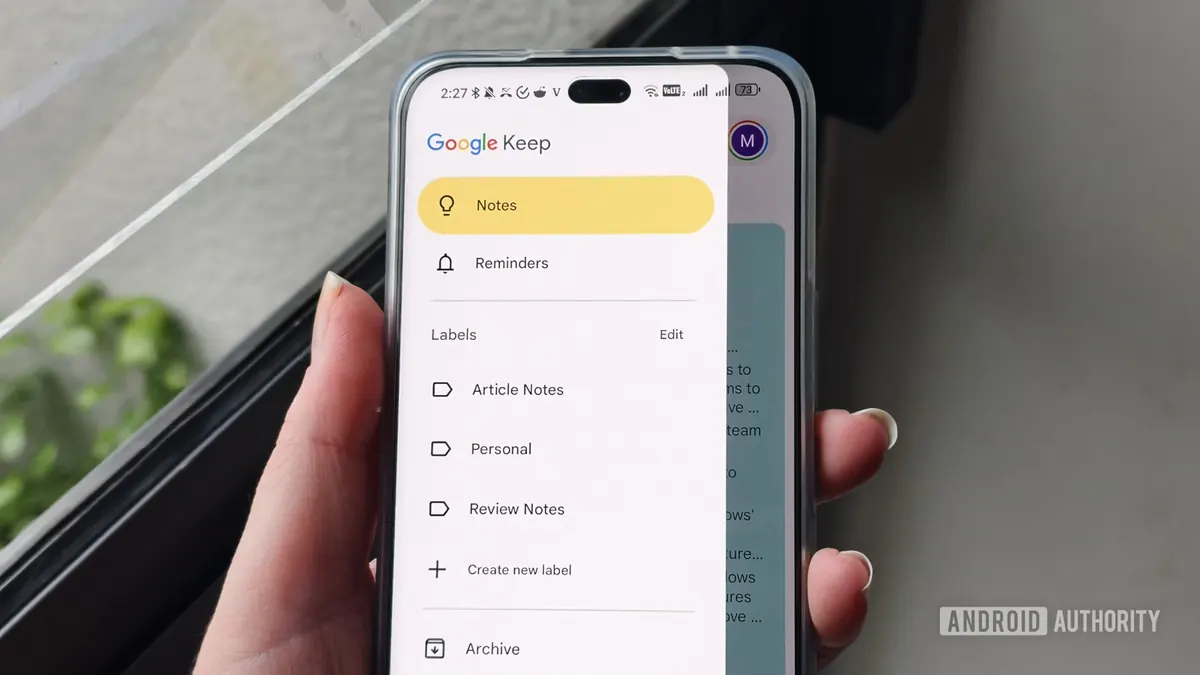
Google is working on a new feature for the Google Keep app that will allow users to create to-do lists inside regular notes. This was reported by Android Authority, which discovered the feature in the latest version of the app.
The new feature was found in Google Keep version v5.26.341.03.90. According to available information, it will allow converting a single line from a note into a to-do list item, instead of turning the entire note into a checklist.
How the checkbox behavior in Google Keep will change
Currently, the checkbox in Google Keep works by turning the entire note into a to-do list when you click the icon, with each line becoming a separate checkbox. With the new feature, this process will change.
After clicking the checkbox icon in a regular note, the app will only switch the currently active line to a to-do list item. Users will be able to use the same checkbox icon to convert the to-do list back to regular text.
According to Android Authority, this feature builds on recent changes. Last month, it was announced that the toolbar in Google Keep is being redesigned, and the checkbox icon will replace the background color icon. Earlier this month, Google also began rolling out the "Find in note" feature.
When will the new to-do list feature be released?
The exact release date of the new feature is not known. According to Android Authority, the feature works correctly in the tested version v5.26.341.03.90, which may mean that Google will launch it sooner rather than later.
"If you've ever found yourself in a situation where you wanted to add a quick to-do list to a note in Google Keep, this new feature could be a lifesaver for you," says Android Authority.