 remontandroid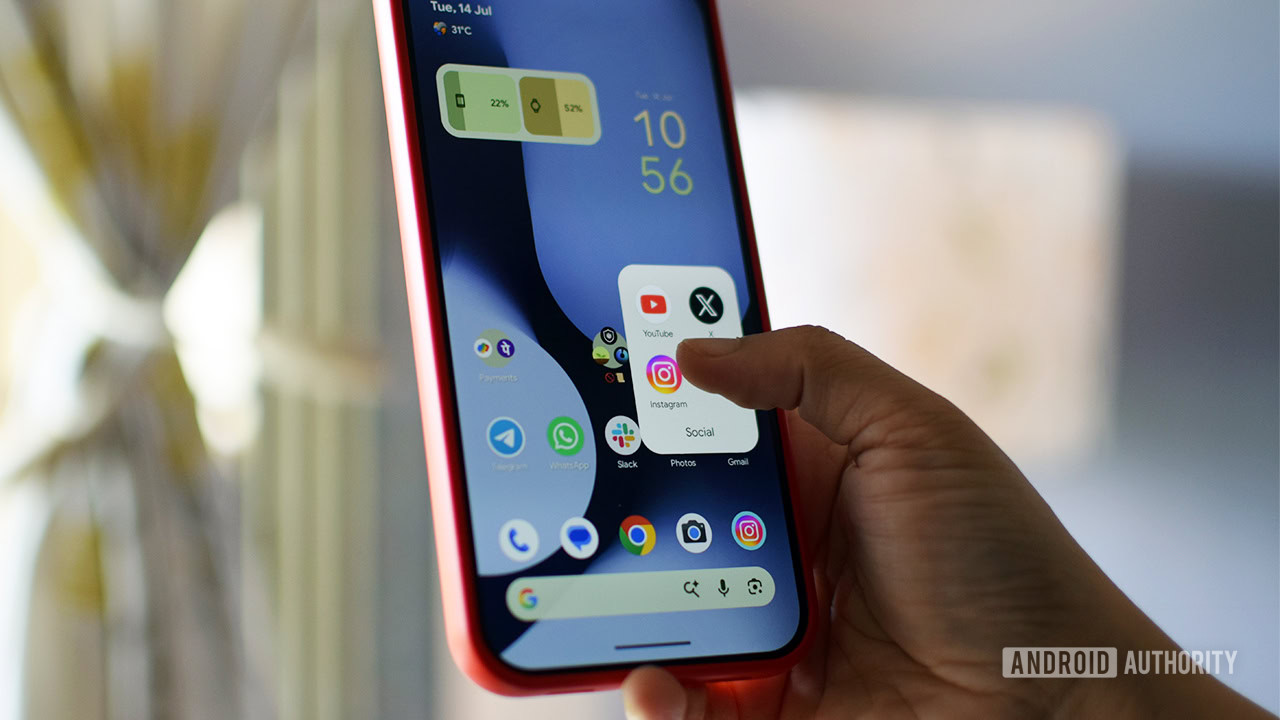
Android 17 brought a host of great new features in June 2026, but one of the most anticipated – Pause Point – is not yet available. This digital wellbeing tool is designed to offer a 10-second pause for reflection when opening an app, set a usage timer, and even suggest alternative activities. It can only be disabled by restarting the phone, making it harder to revert to old habits. Fortunately, there are ways to create a similar effect right now.
1. Remove shortcuts and limit notifications
The first step is to create "friction" when accessing problematic apps. Remove their shortcuts from the home screen or move them into folders – scientific studies confirm this reduces automatic opening. Then, in the app's settings (long-press the icon and tap "i"), go to Notifications and turn off all or just distracting ones. This reduces impulsive launching.
2. Use Digital Wellbeing tools
In your phone's settings, you'll find the Digital Wellbeing section. Several features are available:
App Timer
Set a daily limit for selected apps. After the time expires, the app appears grayed out, but it can be unlocked by tapping "Resume app".
Focus mode
Select multiple apps and schedule a block for the whole week. If you still open a blocked app, you get 5 minutes of use, but you can only permanently unblock it in the main settings.
Screen time reminders
This less invasive option only shows a bubble with usage time without blocking you. It helps maintain awareness of time.
3. Try specialized third-party apps
If built-in tools aren't enough, there are apps with a similar principle to Pause Point:
- One sec – Before opening an app, it asks you to take a deep breath and decide if you really want to continue. Free for one app, premium version for $20/year for unlimited tracking.
- ScrollGuard – Blocks infinite scrolling in Instagram Reels or YouTube Shorts. It displays a black box where infinite content appears. The paid version under $20 offers fine-tuning.
- Forest – Gamification of focus: a tree grows during a successful session, withers if interrupted. More of a mindfulness tool than a hard blocker.
Even without Pause Point, you can effectively reduce your digital addiction. The key is commitment and a combination of these methods. Try them today and take control of your time.